Launch Google, Meta, TikTok (and more) with confidence. GTM Assistant helps Shopify stores implement clean, validated GA4 + ad platform tracking—no developer required, no double-firing, no confusion.
A single, clean foundation for your core marketing tools.
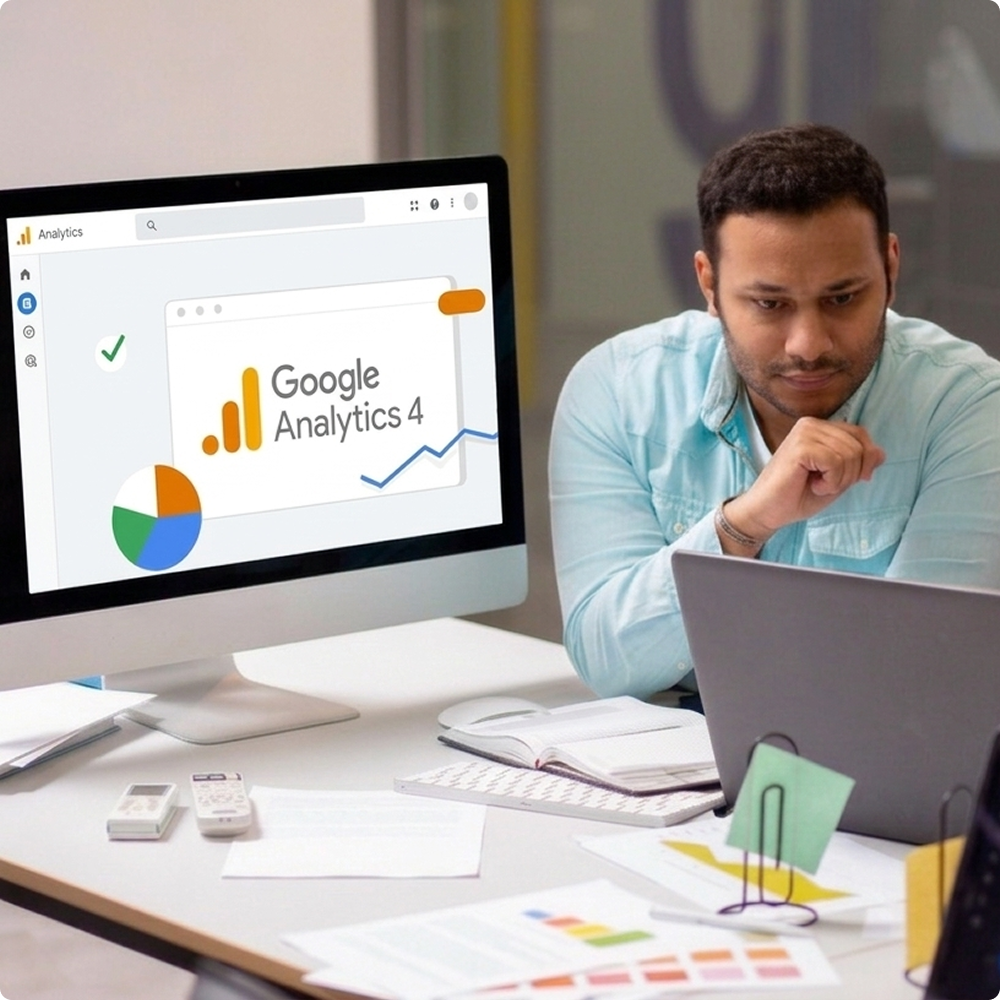
GA4 should answer practical questions
 Which channels are driving
purchases? What’s my conversion rate by
device/campaign?
What does the funnel look
like from product
view
→ checkout → purchase?
Which channels are driving
purchases? What’s my conversion rate by
device/campaign?
What does the funnel look
like from product
view
→ checkout → purchase?GTM Assistant helps you establish a working GA4 measurement foundation so GA4 is useful—not confusing

For most stores, the priority is simple
Purchases should be recorded
reliably Values should make sense
The signal should be stable
enough to
optimize
campaignsGTM Assistant helps you connect and stabilize core ad platform tracking so you can run and scale campaigns with confidence

A clean setup avoids
Multiple tools firing the
same purchase
event
differentlyDuplicate purchase counts
inflating
conversions
Value mismatches that confuse
optimization
Conflicts that make results
volatileGTM Assistant helps keep tracking organized and consistent—especially important as your store grows and adds apps
Your goal will usually be one of:
 Connect Ads Platform
properly Set up my primary ad
platform purchase
tracking
Add a new channel without
breaking
tracking
Connect Ads Platform
properly Set up my primary ad
platform purchase
tracking
Add a new channel without
breaking
tracking
A guided setup path aligned to your current stage
Instead of connecting everything at once:
Start with GA4 Add your primary paid
channel Then expand once validation
is doneA stable base that’s easier to validate and trust.
The purchase event is the most important signal.
Eliminate duplicate or
missing purchase
events
Ensure accurate revenue and
transaction
values
Strengthen optimization
signalsReliable purchase tracking foundation.
This step is where most merchants get stuck.
Purchases are recorded
correctly Values make sense Tracking isn’t double-firing
Reporting is consistentConfirmation that the setup is working.
Once the foundation is stable:
Launch new platforms Reduce attribution confusion
Validate before scaling
spendFaster channel expansion with fewer surprises.
If you want multi-channel tracking to stay clean.
 Conncet GTM first & then add
The Ad
platforms as you wantFor Server side tracking go
any Platform
Validate purchase tracking
before scaling
spend
Avoid stacking multiple
tracking apps that
do
the same job Keep a simple “tracking
change protocol”
when
you update themes or apps Re-check tracking after
major store
changes
Conncet GTM first & then add
The Ad
platforms as you wantFor Server side tracking go
any Platform
Validate purchase tracking
before scaling
spend
Avoid stacking multiple
tracking apps that
do
the same job Keep a simple “tracking
change protocol”
when
you update themes or apps Re-check tracking after
major store
changesYes. GTM Assistant is designed for non-technical store owners and agencies, with guided setup and support for validation.
Start with GA4 first, then connect your primary ad platform (Google Ads or Meta). Validate purchase tracking before adding more channels.
Duplicates often happen when multiple apps or scripts fire the same purchase event. A clean foundation reduces overlap and improves consistency
Not exactly—different platforms measure differently. The goal is to reduce avoidable mismatch and make reporting consistent enough to trust decisions.
Yes. Agencies benefit from a repeatable setup approach, fewer tracking tickets and a validation workflow that restores client confidence faster.
Tracking drift after store changes is common. GTM Assistant helps you stabilize the foundation and provides support to diagnose and correct issues.